Ideas into moving worlds.
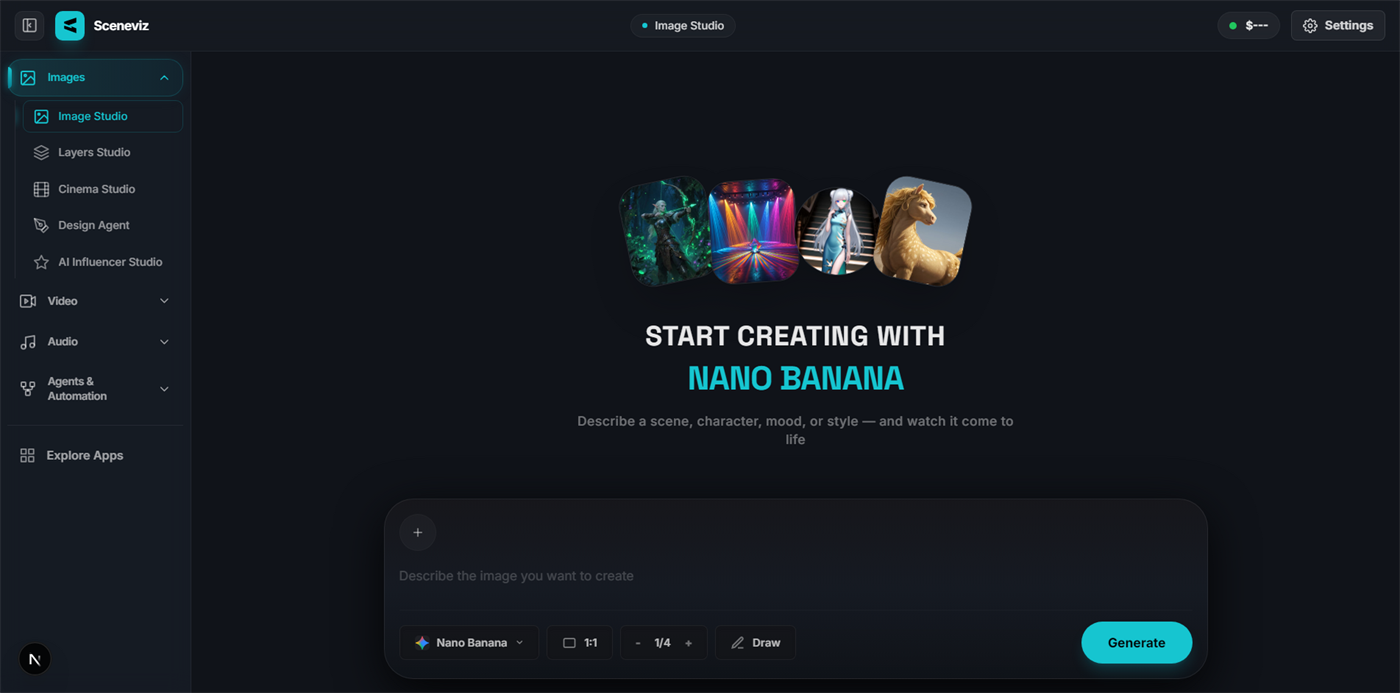
Sceneviz is an all-in-one studio for AI image, video, audio and lip-sync generation. Hundreds of state-of-the-art models, one workspace, no subscription.
BY THE NUMBERS
CREATIVE TOOLS
Every tool, one workspace
From first prompt to final cut — purpose-built tools sit side by side in the same studio.
AI Image Generator
Text to image with FLUX, Seedream, Qwen and more.
OpenAI Video Generator
Text and image to video with Kling, Seedance, Veo and more.
OpenImage to Video
Animate any still into motion with camera control.
OpenImage Upscale
Enlarge and sharpen up to 4K without losing detail.
OpenBackground Remover
One-click cutouts with clean, hair-level edges.
OpenWatermark Remover
Erase logos and stamps, rebuild the scene behind them.
OpenFace Swap
Swap faces across photos and video with identity lock.
OpenProduct Shot
Drop your product into any scene or model shoot.
OpenLip Sync
Match any voice to any face in 40+ languages.
OpenAI Image Editor
Inpaint, restyle and retouch with prompt-based edits.
OpenAI Video Editor
Cut long footage into clips with highlight detection.
OpenMotion Controls
Direct camera paths, speed ramps and keyframes.
OpenAI Audio & Music
Generate music, sound effects and voiceovers.
OpenAnime Generator
Turn prompts and photos into anime-style art.
OpenFEATURED MODELS
Every modality, one studio
Image, video and audio models side by side. Pick a model, tune its parameters and generate.
FLUX.2 Pro
Browse all modelsSeedream 5.0
Browse all modelsNano Banana 2.1
Browse all modelsQwen Image 3.0
Browse all modelsSeedance 2.0
Browse all modelsKling 3.0 Pro
Browse all modelsVeo 3.1
Browse all modelsMiniMax Hailuo 2.3 Pro
Browse all modelsSuno Create Music
Browse all modelsKling 2.1 Master
Browse all modelsSuno Remix Music
Browse all modelsIdeogram 4.0
Browse all modelsSCRIPTABLE
Automate everything from your terminal
Every studio is reachable through the Sceneviz API — get your key from the dashboard and generate from any shell or agent.
WHY SCENEVIZ
Three ways to create
From a single prompt to multi-step pipelines to a chat-driven agent, Sceneviz adapts to how you work.
Studio
One multi-tab canvas for image, video, audio and lip-sync generation, with every model parameter at hand.
Open StudioWorkflow
Chain models into multi-step pipelines — generate, edit and render without leaving the canvas.
Open WorkflowAgents
Describe the outcome and let a generation agent choose the models and run the steps for you.
Try an Agent